
In addition to recording regular Test/Inspections, it’s important to log any Faults, Activations, Observation or Fixes made on your premises. Recording these is simple:
- Select Log Book Entries, select Add
- Select the relevant Topic for your entry, such as ‘Fire Detection & Alarm Part 1’ or ‘Emergency Lights’.
- Select the type of entry e.g Fix/Modification etc, preview your Entry before selecting Save
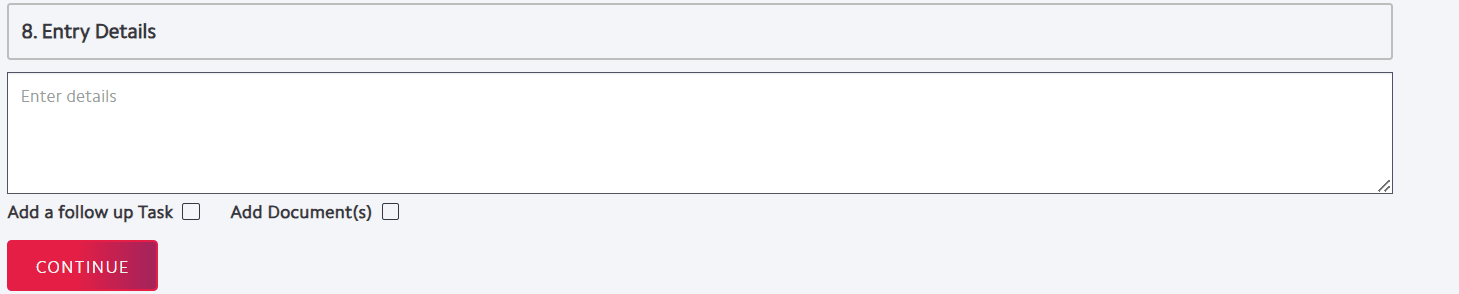
If you wish to add in a follow up task such as remedial work found or add documents check either or both of the checkboxes seen below. When your entry is saved you can then Add Documents*, Add Task or Share the entry.
* Subject to access rights