
Your profile is unique to you and is where you can set up your personal details and email preferences.
You are able to edit your User Profile by selecting “your name” top right of the screen and then selecting My Account.

Select to receive your regular compliance email under Preferences. This email will inform you on overdue compliance tasks for your premises.
Manage Contacts
Also from the top right you can access My Contacts*, this will show you the email address of anyone you have shared Tio data with, you can delete them here if you no longer want them to be available.
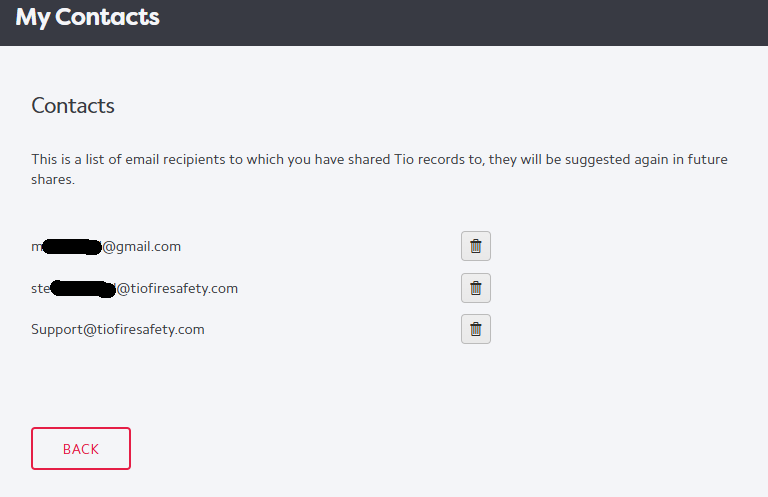
*this list is user specific and not logbook specific. It also has no bearing on access to Tio.